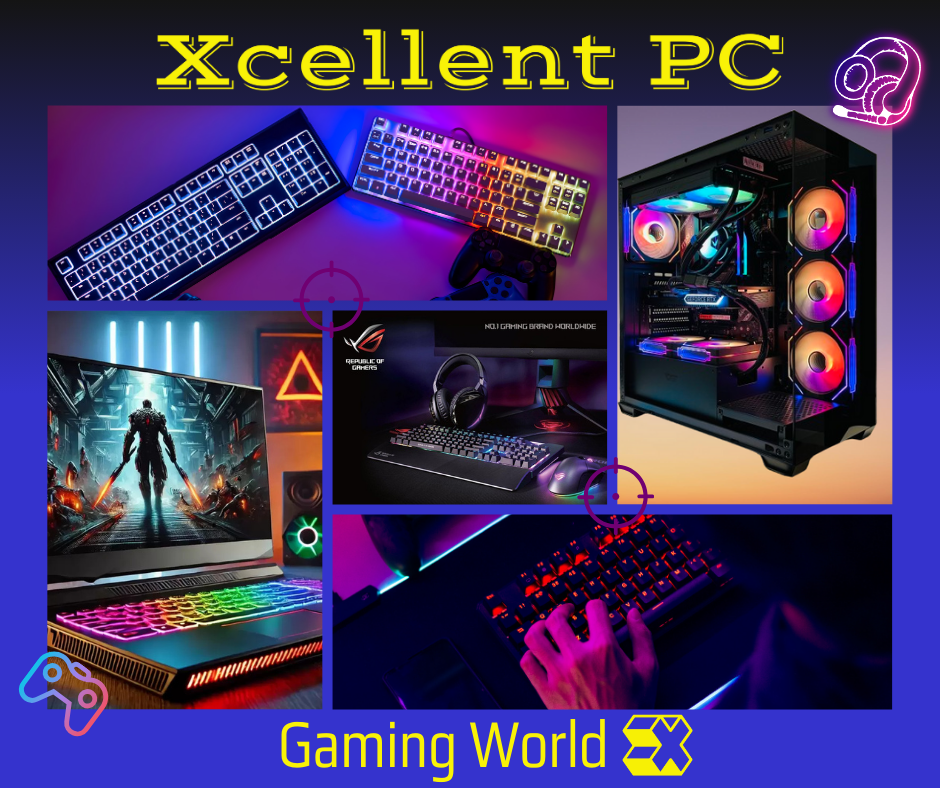
Here’s a professional guide for starting with PC gaming:
Welcome to the World of PC Gaming!
Starting your journey as a PC gamer can be exciting yet overwhelming with the variety of equipment available. To help you make informed decisions, here’s a breakdown of the essential components and peripherals you’ll need to get started:
1. The Gaming PC
At the heart of your setup is the gaming PC itself. You’ll need to decide whether to build your own or purchase a pre-built system. Key components to focus on include:
- Processor (CPU): Aim for a modern multi-core processor like AMD Ryzen 5 or Intel Core i5 for smooth performance.
- Graphics Card (GPU): A dedicated GPU is crucial for gaming. Options like NVIDIA GeForce RTX series or AMD Radeon RX series provide excellent performance.
- RAM: At least 16GB of RAM is recommended for most modern games.
- Storage: Consider a combination of SSD (for faster load times) and HDD (for larger game libraries).
- Power Supply Unit (PSU): Ensure your PSU has enough wattage to support all components.
- Cooling: Proper cooling (air or liquid) is essential to maintain optimal performance during gaming sessions.
2. Monitor
A good monitor enhances your gaming experience. Look for features such as:
- Resolution: Aim for 1080p (Full HD) or higher, such as 1440p (QHD) or 4K for sharper visuals.
- Refresh Rate: Higher refresh rates (e.g., 144Hz or 240Hz) ensure smoother gameplay.
- Response Time: Lower response times (1ms or 5ms) reduce motion blur.
3. Keyboard
Choose between mechanical keyboards (preferred for gaming due to tactile feedback) and membrane keyboards. Look for features like:
- Customizable RGB lighting for aesthetics.
- Anti-ghosting and N-key rollover for accurate key presses.
4. Mouse
A gaming mouse with adjustable DPI settings, programmable buttons, and ergonomic design will improve precision and comfort.
5. Headset
Immersive audio is vital for gaming. Look for headsets with:
- Surround sound for spatial awareness.
- Comfortable ear cups for long sessions.
- A built-in microphone for communication during multiplayer games.
6. Desk and Chair
Invest in a sturdy desk with enough space for your setup and a comfortable ergonomic chair to support long gaming hours.
7. Accessories
Additional accessories can enhance your experience:
- Mouse Pad: A large, smooth pad ensures better control.
- Controller: Some games are better suited for controllers than keyboards/mice.
- Webcam: If you plan to stream your gameplay.
8. Internet Connection
A fast and stable internet connection is essential for online gaming. Consider using an Ethernet cable instead of Wi-Fi for better reliability.
9. Software
Install essential software such as:
- Game platforms like Steam, Epic Games Store, or Battle.net.
- GPU drivers and performance optimization tools.
10. Budget Consideration
Determine your budget and prioritize components based on the types of games you wish to play. Entry-level setups can start around €800-€1000, while high-end builds may exceed €2000.
With this guide, you’re well-equipped to start building your ultimate gaming setup. Take your time researching products, read reviews, and ensure compatibility between components. Happy gaming!
Related Products
15.6″ ASUS TUF Gaming A15 AMD Ryzen 7 7735HS, RTX 4050
Original price was: €1,159.60.€1,071.36Current price is: €1,071.36.15.6″ HP 250 G10 Notebook i5-1334U, 16GB DDR4 3200MHz
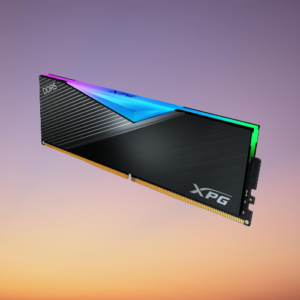
Original price was: €610.48.€586.56Current price is: €586.56.16GB DDR5 ADATA LANCER RGB BLACK 5200MHz (1 x 16GB) PC5-41600
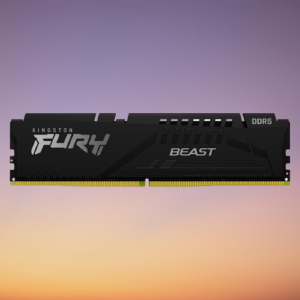
Original price was: €130.00.€98.80Current price is: €98.80.16GB DDR5 Kingston Fury Beast 4800MHz (1 x 16GB) PC5-38400
Original price was: €85.28.€57.20Current price is: €57.20.